
Teams rely on disconnected tools, spreadsheets or repeated manual handoffs.
Enterprise platforms / connected operations
Connect workflows, roles and data before choosing the platform.
Clarify the operating model, decision rights and integration boundaries behind an ERP, CRM or workflow-platform initiative.
Discuss your project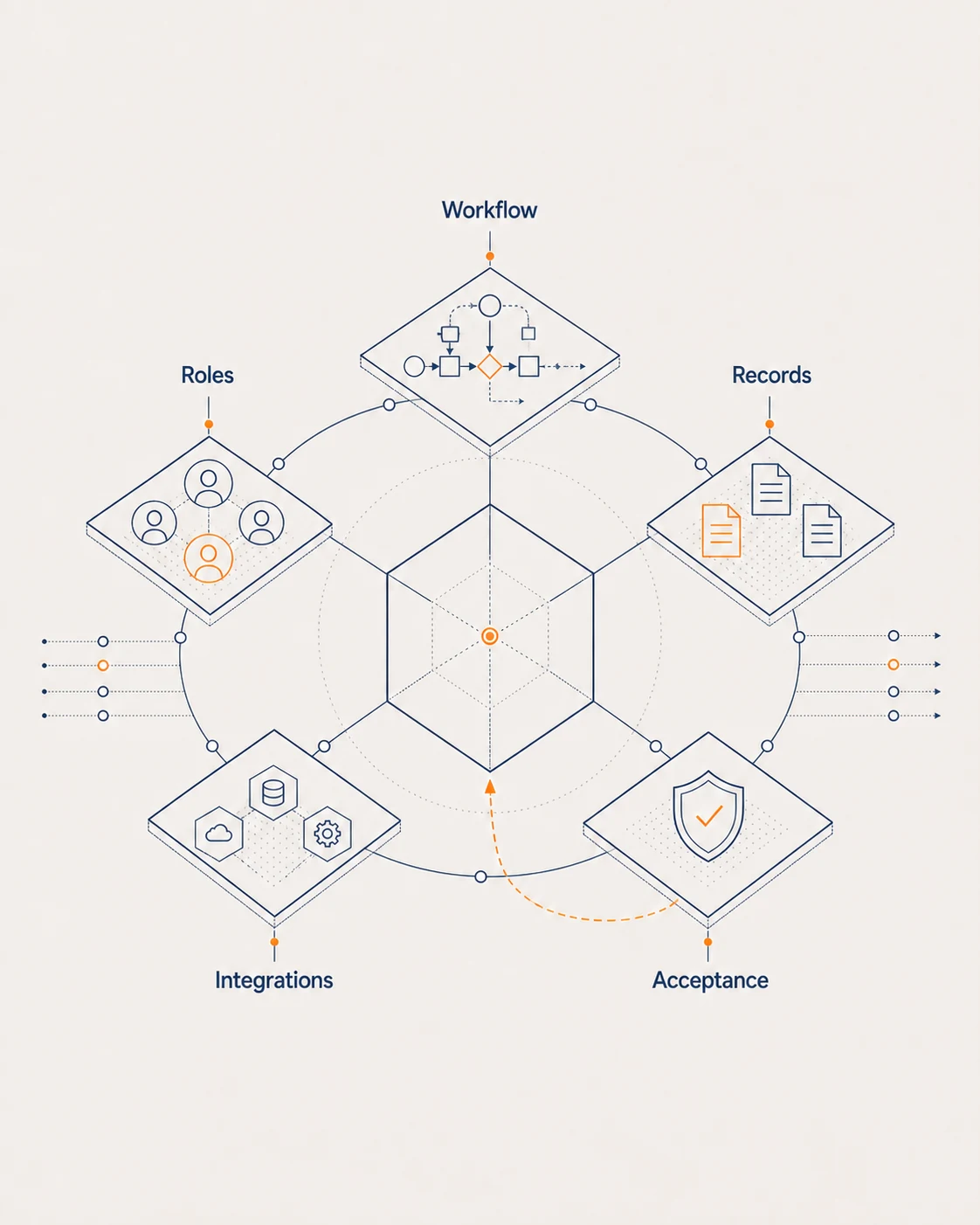
Good fit when
When the workflow—not the software—is the starting point
Roles and approvals are unclear across one important workflow.
An ERP, CRM or workflow platform must connect with existing systems.
Decision structure
What needs clarity first?
Priority workflow
Start with the operating journey that needs to work better.
Roles and decision rights
Define who acts, approves, owns and resolves exceptions.
Data and integration boundary
Identify the records, systems and ownership that must connect.
Change and acceptance path
Stage adoption around usable increments and clear acceptance.
Platform adoption path
From operating journey to staged adoption
- 01
Map
Document the workflow, actors, decisions and exceptions.
- 02
Bound
Define the platform, data and integration scope.
- 03
Shape
Design usable modules, permissions and handoffs.
- 04
Adopt
Introduce controlled increments with agreed acceptance.
What you receive
Assets that connect the operating model to the platform boundary
Outputs depend on the priority workflow, organisational roles and approved platform scope.
- Workflow and operating-model blueprint
- Role and permission map
- Platform, module and integration boundary
- Staged adoption and acceptance outline
Workflow framework
Make roles, records, exceptions and integrations explicit.
Use the workflow blueprint to connect roles, records, integrations, exceptions and acceptance across the operating journey.
Operating platform
Start with the workflow that matters most.
Share the operating journey, users and systems that need to work together.
Discuss your project